 IT Security Team Tech Site

 Server lockdown
An IP Security policy (IPSec) can be applied to a server to restrict the connections to/from the server.
The following steps will enable an IPSec policy that will protect the server during the final stages of the build process. It will allow connections only to essential services such as Anti-virus & Microsoft updates, whilst blocking all connections to the server, protecting the system until fully patched. This IPSec policy will be relaxed at the end of this build process.
To apply the IPSec policy
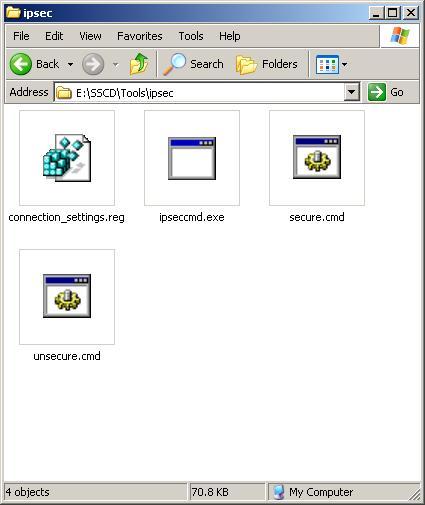
- Download ipsec.zip from here and copy to the server via memory stick
- Extract to a folder on the server
- Double Click to run the ‘secure.bat’ file
Your system is now ‘locked down’ and nearly ready to connect to the network.