 IT Security Team Tech Site

 Basic Firewall
WINDOWS FIREWALL
Microsoft Windows Server includes a basic Windows Firewall utility, which whilst only blocking the simplest of attacks, is still worth enabling as it adds yet another layer of security to your server.
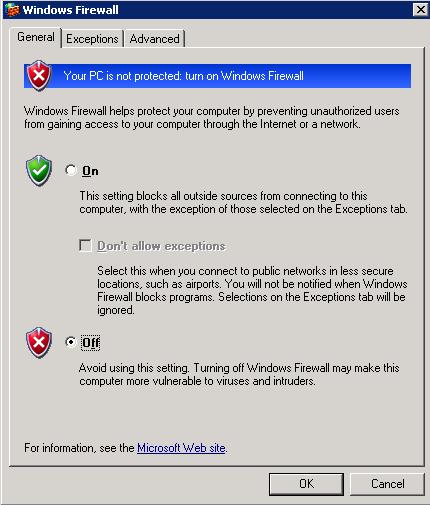
To enable the Windows Firewall…
- Open Control Panel
- Double click Network Connections
- Right click ‘Local Area Network’, then click ‘Properties’ from the resulting shortcut menu
- Click ‘Advanced’ Tab, then click ‘settings’ under firewall section
- If the Firewall is currently turned off, click ‘On’ to enable the firewall.