 IT Security Team Tech Site

 Updating Windows
SERVICE PACK
Service packs are the means by which product updates are distributed by Microsoft. They contain updates for system reliability, program compatibility and (most importantly!) security. It is essential to apply the latest service pack to your original server build.
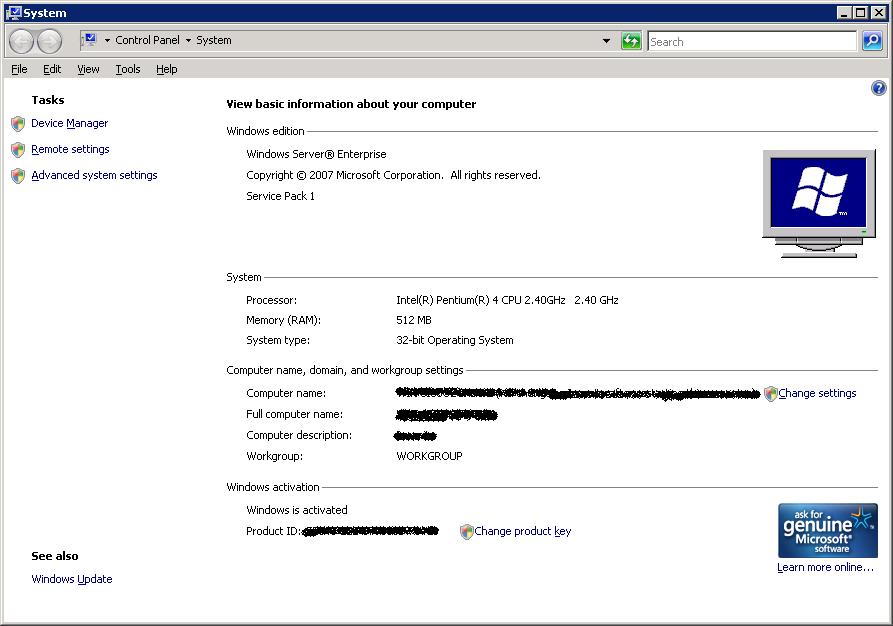
To check which (if any) service pack is installed…
- Right Click the ‘My Computer’ icon from the server desktop
- Click Properties from the resulting shortcut menu
- The ‘Windows Edition’ section will indicate which (if any) service pack is installed
Windows 2008 shipped with SP1 installed so this is just a check you are not using beta media.
If Service Pack 1 is already installed, click NEXT to continue…