 IT Security Team Tech Site

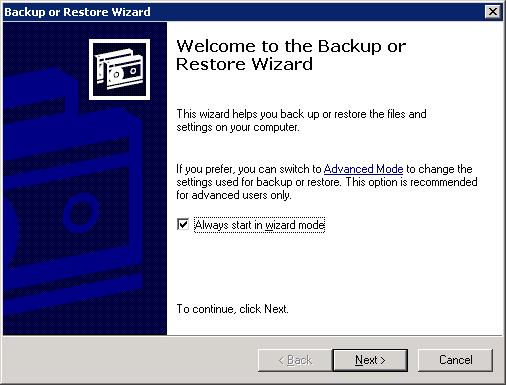 Restoring an ASR backup
To restore the backup we will need the Floppy disk containing the ASR build created on this server, the external hard disk containing the ASR backup file of this server and a windows 2003 CD of the same service pack as your server.
Before you start you should copy off data stored on the server after the ASR was taken as this data will not be contained in the ASR and would otherwise be lost.
First boot from the Windows 2003 CD.
You will be prompted to: "Press F2 to run Automated System Recovery (ASR)" Press F2 and wait for the rest of the instructions.
You will then be asked to insert the ASR floppy disk, do this and the build should start this process can take a long time and will look like a standard install of the operating system.
When this is done you will be asked to for the location of the back up file. Connect the external Hard drive to the server and locate the file using the brows button.
Your server should now finish copying and will reboot. You can take out the floppy and external drive out and let the server boot normally. Your server should boot and be ready to use. Last thing to do is restore the data recovered at the beginning of the restore.