 IT Security Team Tech Site

 Setting up an ASR backup
To take the backup we will need a Floppy disk and an external hard disk with a size grater than the used storage of the server.
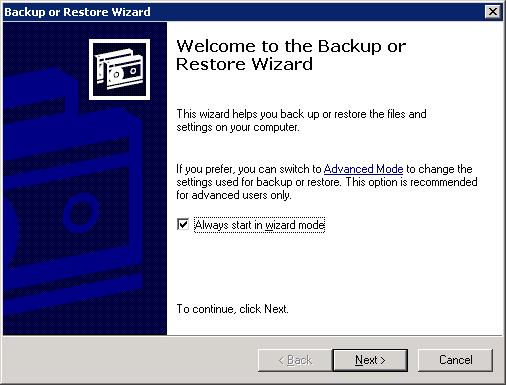
To Start the process click Start / Programs / Accessories / System Tools / Backup This will then start a wizard.
We will start in wizard mode so we click next
We then choose the "Backup files and settings" radio button and click next.
We click the "All information on this computer" radio button. This will completely back up the server and create the ASR build disk.
At the next screen we can choose where to store the backup file. This is a single file containing a copy of your server. Choose a location on the removable storage device and name the backup. Here we recommend using the computer name and date.
The last screen will summarise all the information and upon clicking finish the backup will start.
At the end of the process you will need to insert the floppy to record the build information. If the server does not have a floppy drive you can use a USB floppy drive.
Once complete you should label up the backup drive and floppy and store in a secure location. Remember this is now a full copy of your system and can be used to make a duplicate of all the passwords and data.