 IT Security Team Tech Site

Web pages with missing items
Sometimes when viewing web pages you may see items or elements on the page appear to be missing. Below are two examples.
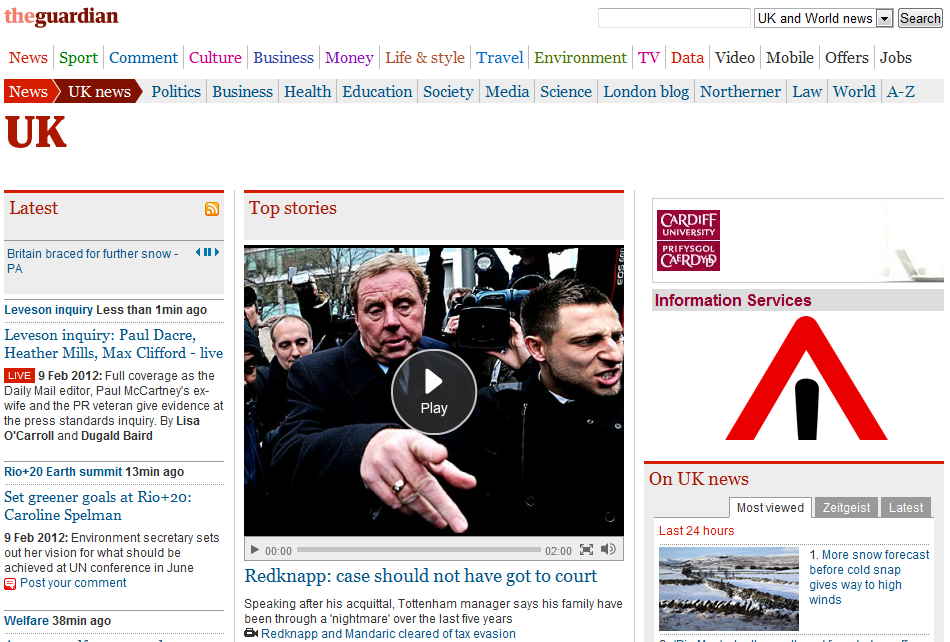
In our first example, below is a Cardiff University block back replacing an element of the page hosted by another website. This website is an advertising agencey that has accidentaly passed malware with its adverts. You can see that the Cardiff University Malware warning page is displayed instead of an advert. This is just a visual clue that the network security has stepped in to protected your computer.
In our second example, below an image is not being displayed and has been replaced by the browser with a small red X.
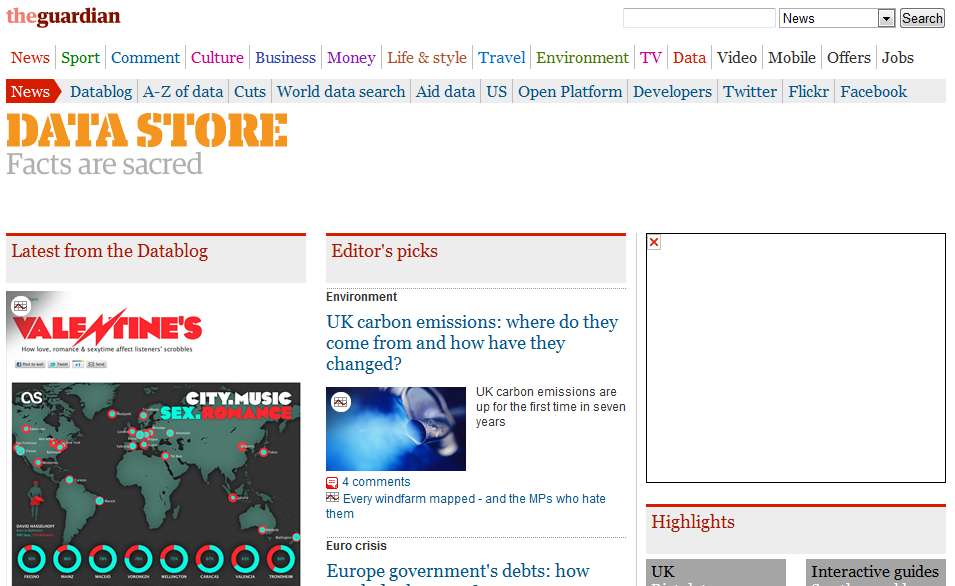
NOTE: This is a mock-up for illustration only and no reflection on the bbc web site.
If we look up the web site URL http://www.bbc.co.uk of this web page in Brightcloud to check its reputation, we can see that it is considered trustworthy.
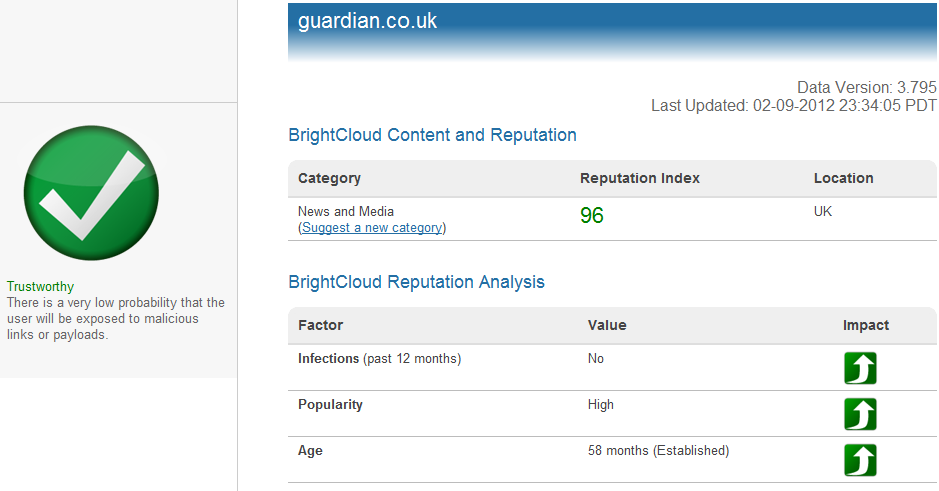
So why is the image blocked?
Next step: If you right click on the missing image and click properties, to display information about the image, shown below.
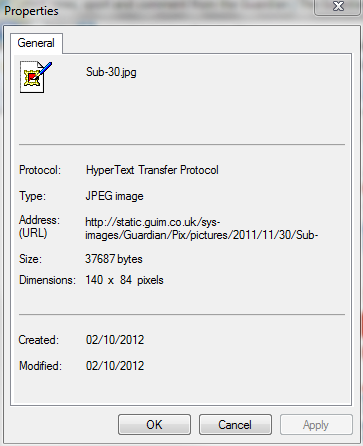
Here you can see that although the web site is delivered from http://www.guardian.co.uk. This image is delivered from a different web server. The image is delivered from the URL http://static.guim.co.uk.
If we now need to lookup the image URL(http://static.guim.co.uk) in Brightcloud to its see reputation.
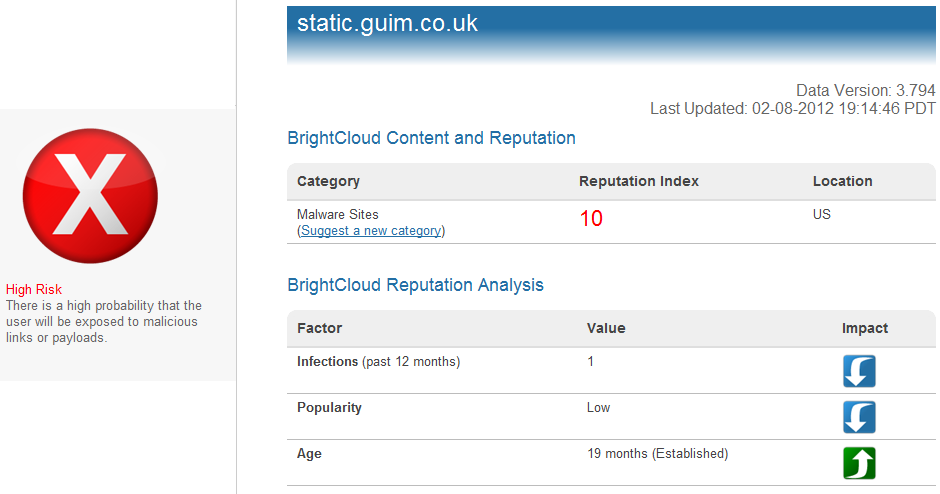
Here we can see that although the main site URL (www.guardian.co.uk) has a good reputation the URL the images are pulled from static.guim.co.uk has a bad reputation.